Static QR
FreeThe link is stored in the code itself. It's what this generator makes.
- PNG to download right away
- The destination can't change once printed
- Good for material that won't change
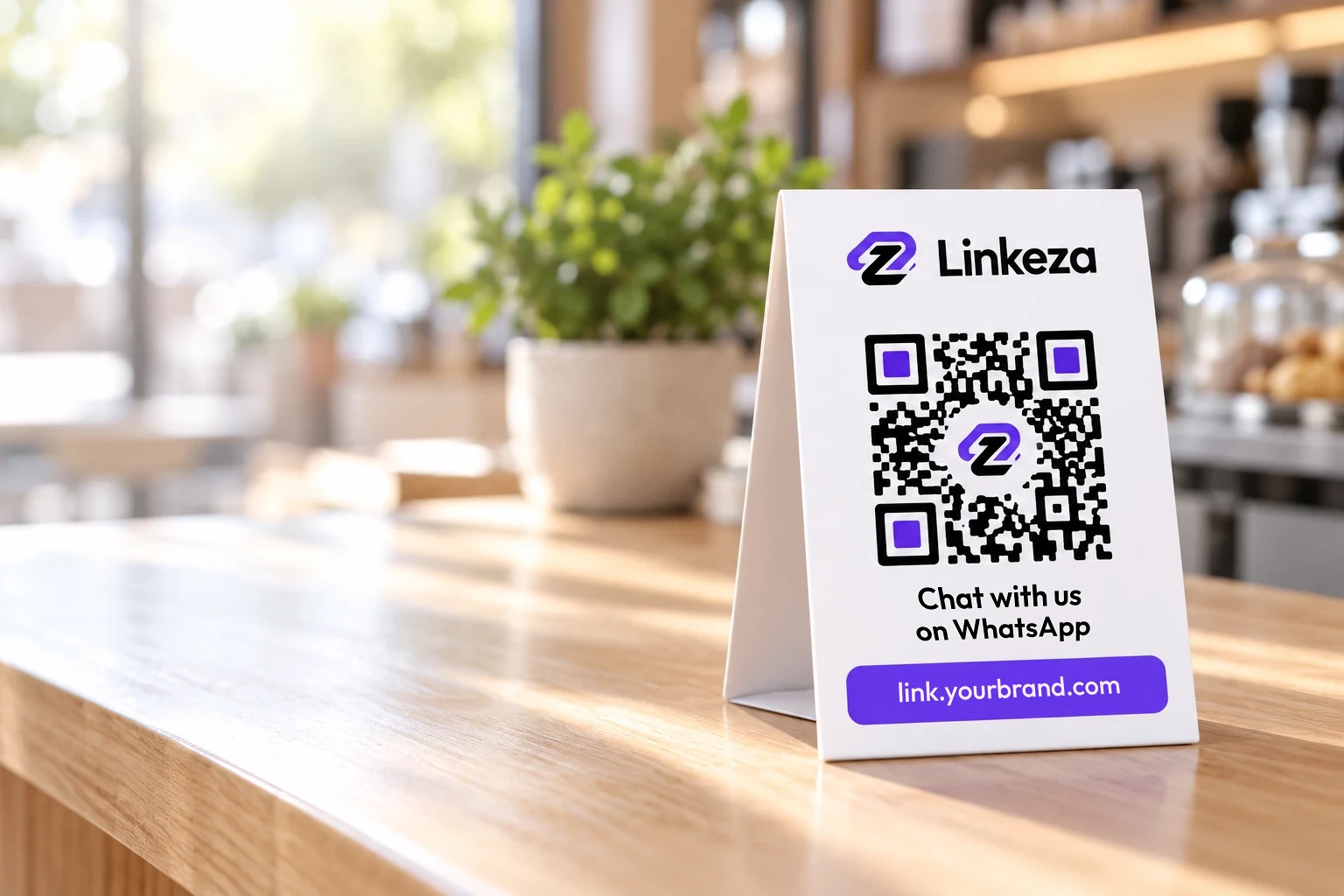
Paste your link, generate the QR code and download it as a PNG. Free, no sign up, and nothing you type leaves your device.
2Your QR code
Paste your link and click Generate QR code.
Static QR code: the destination can't change once printed. To change it later, see the dynamic QR code.
Both open with a phone camera. The difference is what happens after you print.
The link is stored in the code itself. It's what this generator makes.
The code points to a Linkeza short link you edit in your dashboard. Your printed material stays the same.
What people ask most about the QR code generator.
Static QR codes, like the ones this generator makes, never expire: they open the same link for as long as that link exists. A dynamic QR code depends on the service that runs its short link.
A static QR code stores the link in the code itself, so it can't change after printing. A dynamic QR code points to a short link you can edit, so you change the destination without reprinting. This generator makes static QR codes; Linkeza's dynamic QR codes are coming soon.
Yes. Make as many QR codes as you want, with no account and no payment, and download each one as a PNG for print or screen.
No. In a static QR code, the link is stored in the code itself. To change it after printing, you need a dynamic QR code, which Linkeza will offer soon.
At least 0.8 in (2 cm) on each side, with the white margin around it. The PNG is over 1,000 px on each side, enough for most print jobs. Before you print, test it: point your phone's camera at the code on screen and check that it opens the right page.
Yes. For a menu, paste the menu's link above. For WhatsApp, the WhatsApp link generator makes your wa.me link and its QR code in one go.
No, but it needs strong contrast: a dark code on a light background. This generator makes a near-black code on white, with a white margin four squares wide and medium error correction (level M), so it still scans if a small part gets scuffed.
No. The QR code is made in your browser. Nothing you type leaves your device, and nothing is stored.
Make a link that opens a WhatsApp chat with you and a pre-filled message, with its QR code.
Leave your email and country, and we'll write to you when Linkeza launches.