Fixed link
FreeAlways goes to the same number, with the message you choose. It's what this generator makes.
- A pre-filled message, if you want one
- QR code in PNG to print
- To change the number, you make a new link and a new QR code
Choose your country, enter your number and, if you like, a pre-filled message. Your wa.me link and its QR code in PNG are ready right away, with no sign up. Nothing you type leaves your device.
2Use it now
Enter the number and click Create link.
Test in WhatsApp (opens in a new tab)Fixed link: it always opens a chat with this number. To change the number without reprinting or share chats across your team, see the Linkeza link.
All your customer has to do is tap send.
Write my messageThe free link gets you started. When your chats grow, Linkeza takes care of the rest.
Always goes to the same number, with the message you choose. It's what this generator makes.
A Linkeza short link you edit in your dashboard, with your WhatsApp behind it.
What people ask most about WhatsApp links.
Choose your country, type your number without the country code and click Create link. You get https://wa.me/ followed by your full number, digits only. No account needed.
https://wa.me/ followed by the full number in international form, with no plus sign, spaces or dashes: https://wa.me/12015550123 for the US number +1 201 555 0123. A pre-filled message goes after ?text=, encoded; this generator does that for you.
wa.me is WhatsApp's own domain for chat links. The link only opens a chat with the number in it; the message comes pre-filled and nothing is sent until the customer taps send. Anyone with the link sees your number, so share it where you'd share your number.
Copy the link, open Edit profile in Instagram and add it as a link. You can also add it to a story with the link sticker.
Paste the link in a field of your profile that accepts a web address, such as the button of an update. Which fields accept it depends on Google and on your region.
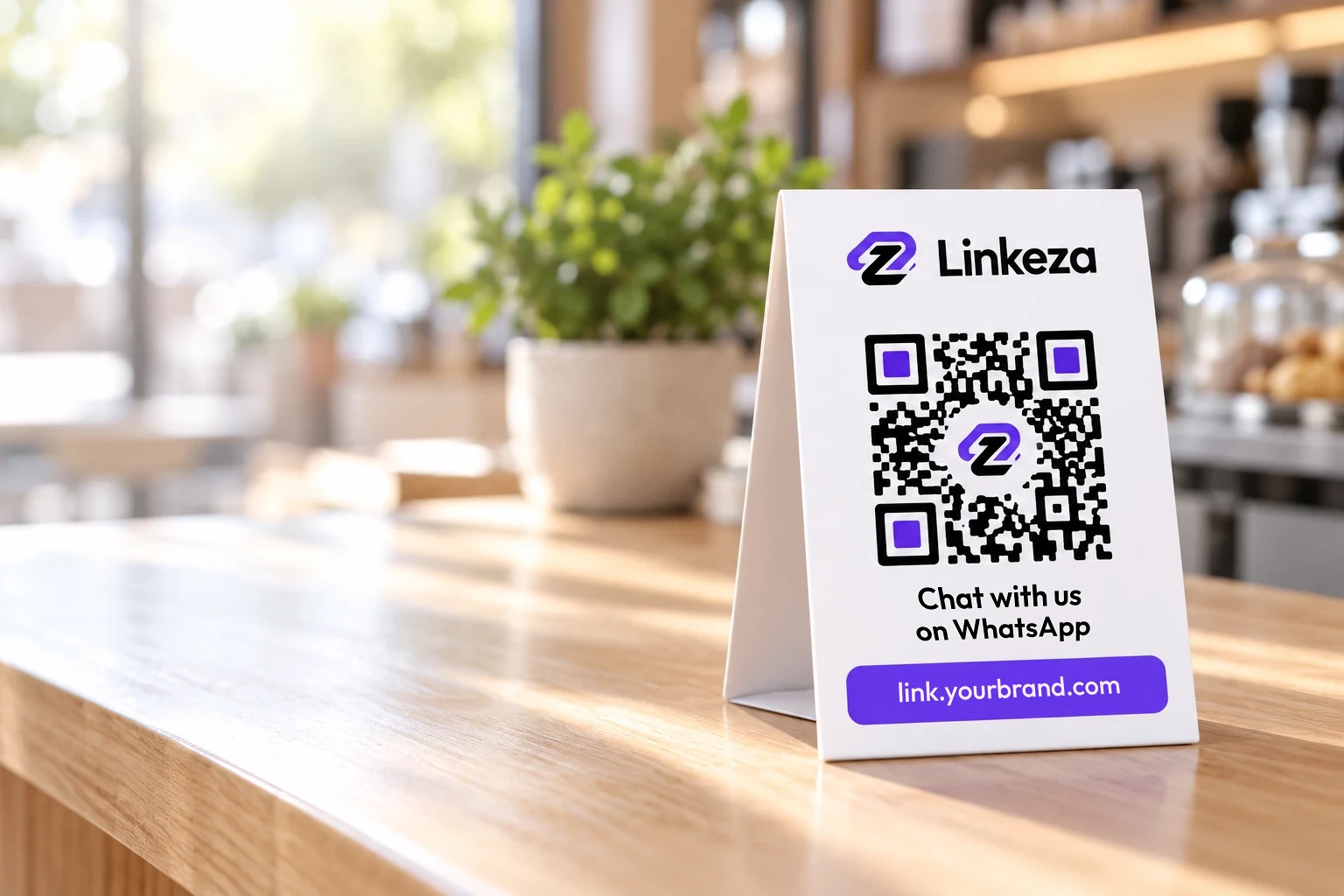
This generator already does it: when you create the link, its QR code appears beside it. Download it as a PNG, over 1,000 px, to print on your counter, window or menu.
Keep it short and say where the customer comes from, like "Hi! I saw your menu and I'd like to order." The customer can change it before sending.
No. The number is stored in the link and in the QR code. To change it without reprinting, you need a dynamic link, which Linkeza will offer soon.
Make a QR code for any link, like your website or your menu, and download it as a PNG.
Leave your email and country, and we'll write to you when Linkeza launches.